Jesus Says vs YouVersion Bible App: An Honest Comparison
For reading and studying the Bible, YouVersion’s Bible App is the better choice: it’s free, with thousands of versions, reading plans, audio Bibles, and friends to read with. Jesus Says is a narrower daily Scripture reflection and prayer app: speak or type what you’re carrying and receive Scripture, a short reflection, and a prayer. Many people could use both.
How do Jesus Says and YouVersion compare?
Jesus Says, one of the two apps compared here, publishes this library, so weigh our view accordingly. We’ve described YouVersion from its official website and App Store listing, and on most Bible-reading features it simply does more.
| Jesus Says | YouVersion Bible App | |
|---|---|---|
| Best for | A short daily reflection and prayer | Reading, studying, and sharing the Bible |
| Bible versions | King James Version | 3,500+ versions in 2,300+ languages |
| Plans | A 7-day path through Scripture | Thousands of reading plans |
| Prayer | Scripture, a short reflection, and a prayer in response to what you share | Daily guided prayer; prayer cards and lists |
| Audio | Listen Mode reads your daily practice aloud | Audio Bibles for select versions |
| Community | Not included | Friends, shared notes, highlights, and prayers |
| Cost | 7 days of full access, then Plus subscription | Free, with no ads or purchases |
| Devices | iPhone, iPad | iPhone, iPad, Android, web |
Details checked September 2026. Features change, so check each App Store listing for the latest.
What does YouVersion do best?
YouVersion is made by Life.Church. The Bible App’s App Store listing says it has been downloaded more than 700 million times, and its website says it is completely free, with no ads or purchases. For reading Scripture, it’s the benchmark. You can choose from more than 3,500 Bible versions in more than 2,300 languages, including the NIV, ESV, NKJV, NLT, and KJV, and download select versions to read offline.
YouVersion’s reading plans are a major strength. There are thousands of them, from short topical devotionals to reading the whole Bible in a year, many from partner ministries such as BibleProject and Alpha. You can listen to audio Bibles for select versions, highlight and bookmark passages, keep private or public notes, and sync them across devices with a free account.
YouVersion is also built for reading together. You can add friends, see what they’re highlighting and noting, talk through passages, and keep prayer lists that stay private or are shared with friends. It includes daily guided prayer and a Verse of the Day. If you want one app for the Bible itself, this is the one we’d point you to first.
What does Jesus Says do differently?
Jesus Says doesn’t try to be a full Bible study tool. It’s a daily Scripture reflection and prayer app built around Today with God, a card with one verse, one reflection, one prayer, and one step. When something is weighing on you, you can speak or type it and receive Scripture, a short reflection, and a prayer to return to later.
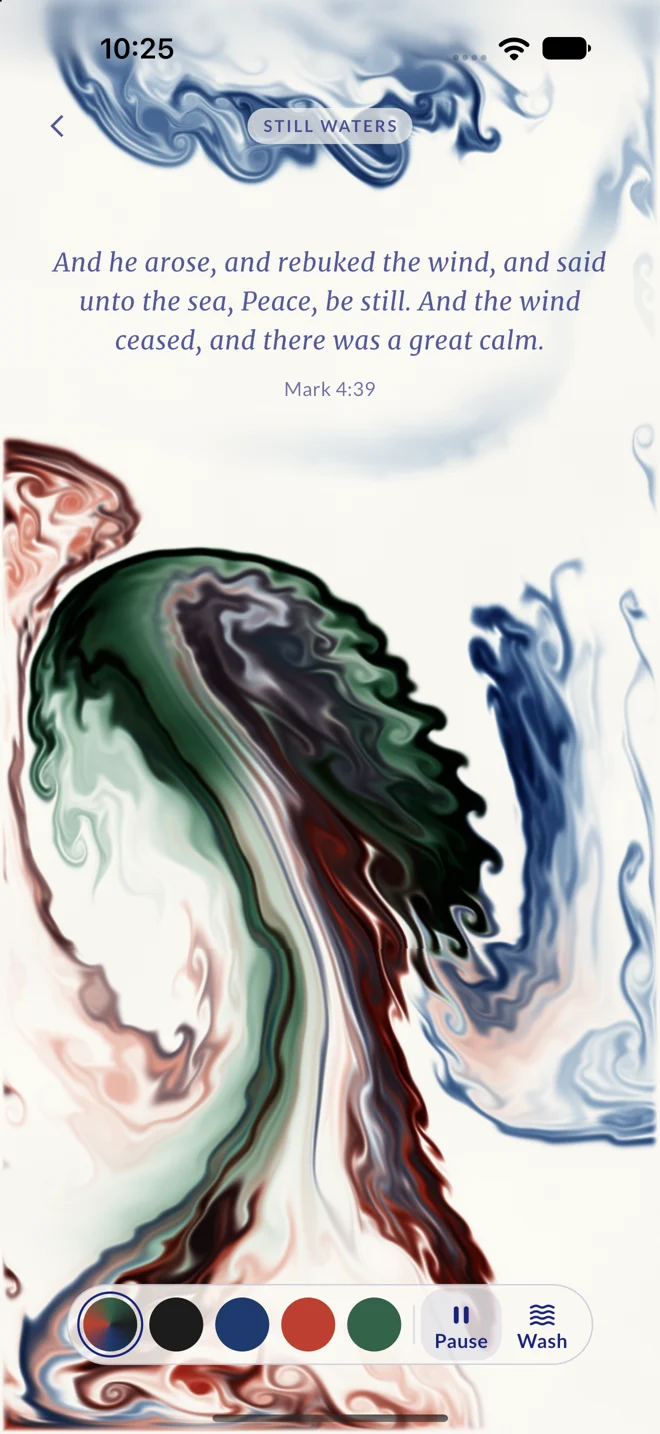
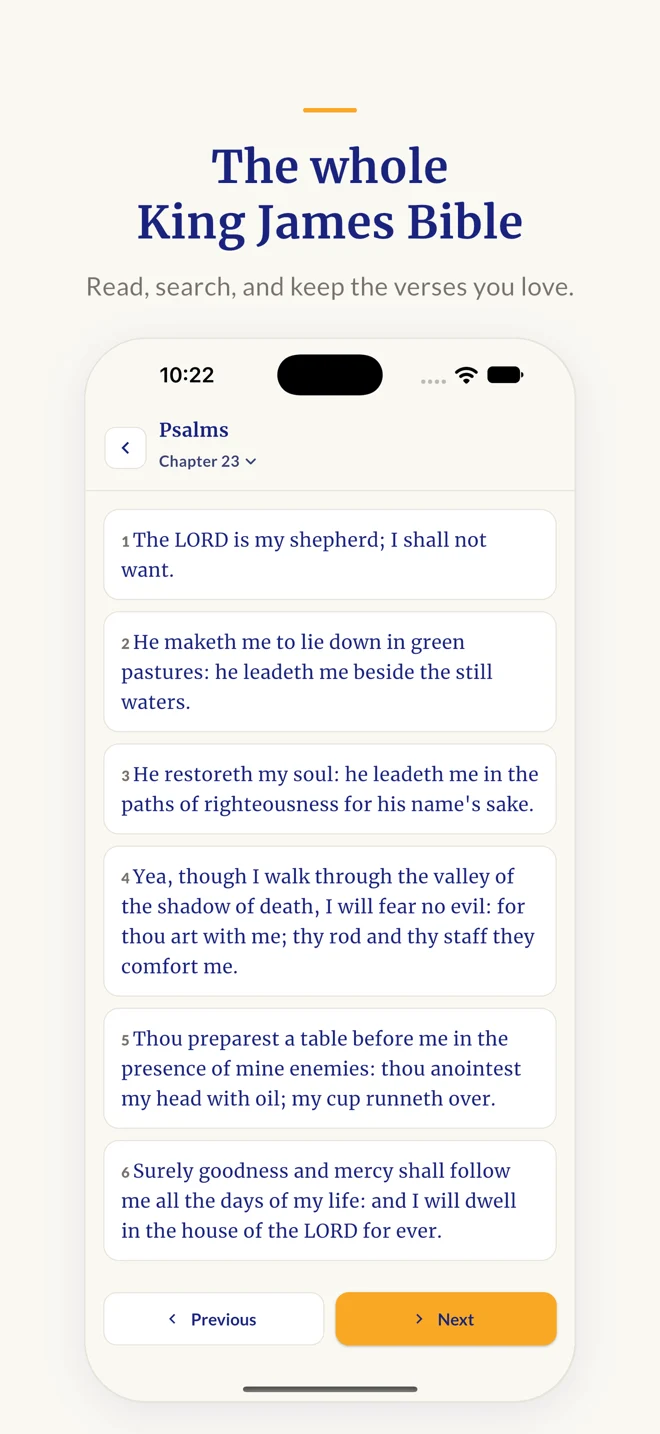
Alongside the daily card are a 7-day path through Scripture, Be Still quiet moments (Still Waters; Peace, Be Still; and Consider the Heavens), Listen Mode read-aloud, a private Verse Library, and a private journal with a calendar view. Any verse reference opens the full passage in the King James Bible inside the app. It runs on iPhone and iPad and is a free download with 7 days of full access, then a Plus subscription.
The limits are worth stating. It offers one translation, no community features, and no Android app, and full access needs a subscription after the first week. Jesus Says generates its Scripture-based reflections; they are not reviewed by clergy, and they don’t replace your church, your pastor, or your own reading of the Bible.
Should you use Jesus Says or YouVersion?
- Choose YouVersion if you want to read the Bible through, compare translations, follow a plan with friends, or listen to Scripture, all at no cost.
- Choose Jesus Says if you already have a Bible and want a few quiet minutes each day that start with Scripture and respond to what you’re facing.
- Use both if you like the idea of YouVersion for reading and study and Jesus Says for a short reflection and journal. They do different jobs.
Our guide to the best Christian prayer apps adds Hallow and Glorify to the comparison.
Frequently Asked Questions
Is the YouVersion Bible App really free?
Yes. YouVersion’s website says the Bible App is completely free, with no ads or purchases, and its App Store listing shows no in-app purchases. It is made by Life.Church. A free YouVersion account lets you sync notes, highlights, bookmarks, and reading plans across your devices.
Does Jesus Says have other Bible translations or reading plans?
Jesus Says uses the King James Version only, and every verse reference opens the full KJV passage in the app. Instead of a plan library, it offers a 7-day path through Scripture with a new passage and prompt each day. If you want modern translations or long plans, YouVersion covers that well.
Which app is better for someone new to the Bible?
For most beginners, YouVersion is the easier place to start, because you can pick a modern translation and a short reading plan. Jesus Says’ 7-day path is a gentle way to build a daily habit, though its KJV wording can feel unfamiliar at first. Our 7-day devotional for new faith is another free starting point.
Who writes the content in each app?
YouVersion provides published Bible translations, and many of its reading plans come from partner ministries. Jesus Says generates its Scripture-based reflections and prayers, and they are not reviewed by religious authorities. In either app, the Bible text is the anchor; treat any commentary around it as something to test and talk over with your church.
Can I use YouVersion and Jesus Says together?
Yes, and they don’t compete much. You might read a chapter or follow a plan in YouVersion, then use Jesus Says for a short reflection, prayer, and journal entry. Since YouVersion is free, the real question is whether a Jesus Says subscription is worth it to you after the 7-day full-access period.